



Other Sharing options
File manager
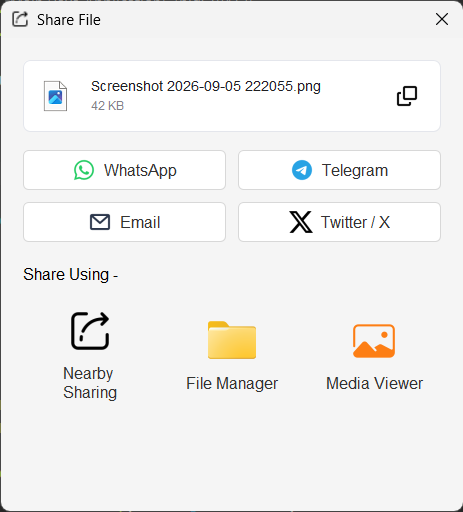
Select File Manager to reveal the captured file in the operating system's file manager. On Windows, the application opens Explorer and selects the file. On macOS it uses Finder's reveal action; on other systems it opens the containing directory when supported.
Media player
Select Media Viewer to open the captured file with the desktop's associated application. Videos are also available in Screen Recorder's built-in JavaFX media player after recording. Screenshots open with the associated image viewer when launched through the desktop action.
Clipboard copy
Use the copy button in the file card or the main toolbar to put the captured file on the system clipboard. You can then paste it into a file manager, mail client, or application that accepts files.
Was this helpful?
You feedback has been received!
Thank you for your help.